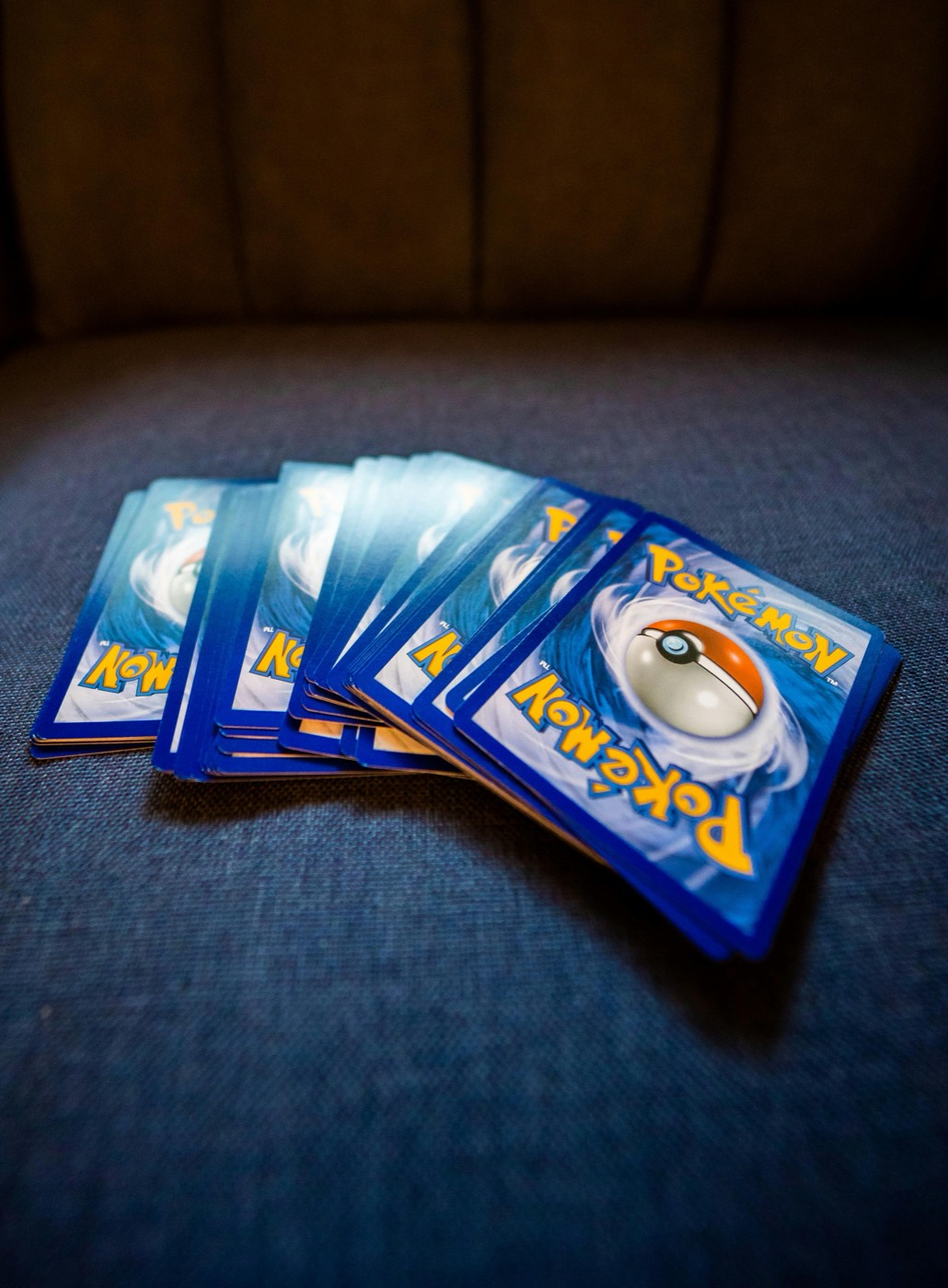
As a Pokemon TCG collection grows beyond a single binder or shoe box, finding specific cards becomes surprisingly difficult. A hit card logged in your mobile app might be sitting in a trade binder, stored inside a top loader box on a high shelf, or tucked away in a set expansion binder. Without a direct connection between physical storage and digital cataloging, collectors lose hours hunting for cards when preparing for trades, sales, or binder upgrades.
Building a physical location system creates total alignment between your physical containers and your digital inventory. By assigning standardized codes to boxes, binders, and trays, you can instantly pinpoint any card in your collection.
The Problem with Unmapped Storage
Most collection tracking issues do not come from bad software; they stem from physical disorganization. When you acquire new cards from mail days or pack openings, it is easy to file them wherever open space exists. Over time, this leads to three primary workflow bottlenecks:
- Duplicate Purchases: Buying a card you already own because it was misplaced in an unlabeled storage bin.
- Trade Night Friction: Searching through multiple binders to locate a specific raw single while trying to negotiate a deal.
- Cataloging Fatigue: Postponing inventory updates because moving cards between physical boxes feels disorganized and overwhelming.
Solving these issues requires a simple grid or alpha-numeric tagging framework that turns random shelves into a searchable warehouse.
Step 1: Assign Standardized Location Codes
To build an intuitive retrieval system, assign every physical container a unique, short code. Keep these codes simple so you can quickly write them on storage box labels or binder spine inserts.
[Container Type] - [Era or Category] - [Sequence Number]
Example: BND-SV-01 (Binder, Scarlet & Violet era, Binder #1)
Example: BOX-BLK-03 (Storage Box, Bulk cards, Box #3)
Common Container Prefix Options:
- BND: Zip binders, side-loading page binders, or ring binders.
- BOX: Multi-row cardboard monster boxes, acrylic storage bins, or shoe boxes.
- TOP: Dedicated top loader storage cases.
- STG: Staging trays reserved for unsorted or pending intake items.
Label both the front cover and the spine of every binder. For storage boxes, label the outer lid and the internal row dividers so you can identify contents without pulling the box off the shelf.
Step 2: Establish Storage Zones for Your Workflow
Not every Pokemon card requires the same storage setup. High-value hits, master set commons, playables, and trade duplicates serve different purposes and should live in dedicated physical zones.
| Zone | Primary Purpose | Recommended Container | Location Code Example | | :--- | :--- | :--- | :--- | | Zone A: Active Sets | Complete set binders organized by set number | 9 or 12-pocket side-loading binders | BND-SET-01 | | Zone B: High Value | Hits, ultra rares, and top loaders | Heavy-duty top loader case | TOP-HIT-01 | | Zone C: Trade/Sell | Duplicates available for trade or sale | Portable zip trade binder | BND-TRD-01 | | Zone D: Bulk & Commons | Set filler, reverse holos, and playable bulk | 4-row cardboard storage boxes | BOX-BLK-02 | | Zone E: Intake Staging | Unsorted mail arrivals and fresh pack pulls | Open desk sorting tray | STG-DESK-01 |
Dividing your collection into clear physical zones ensures that raw cards are routed to the right protective gear immediately after opening or receiving them. If you need to check card values before deciding whether a hit belongs in Zone A or Zone B, use a reliable Pokemon card price checker to guide your protection choices.
Step 3: Streamline Intake with Mobile Card Scanning
Cataloging cards manually by typing set numbers, names, and variants into spreadsheets is the main cause of intake backlogs. Modern collection workflows rely on fast visual recognition to handle the heavy lifting.
Using a fast mobile app like PokeSnap, you can scan a fresh stack of cards in seconds to identify the exact set, card number, and variant details. Once identified, assign the card to its physical location tag inside your Pokemon collection app.
[Scan Card] ➔ [Confirm Identity & Variant] ➔ [Select Location Code (e.g., BND-SET-04)] ➔ [File Card Physically]This single-pass workflow ensures that no physical card reaches a binder slot or storage box row without its exact location being recorded digitally.
Step 4: Manage Special Categories and Japanese Cards
Japanese prints, promo releases, and subset variants often break standard numbering conventions, making physical retrieval tricky if they are mixed with main English expansions.
Create dedicated physical containers for international prints or standalone subsets. For example, assign BND-JPN-01 exclusively to Japanese card releases. Japanese sets frequently feature unique foil treatments, different set symbols, and distinct border colors. Having a designated Japanese storage binder paired with an app capable of processing non-English text—such as modern tools built to scan Japanese Pokemon cards—keeps international cards perfectly indexed without disrupting your main English binder layouts.
Step 5: Implement an Intake Staging Station
Unsorted stacks sitting on desks are the leading cause of lost inventory. Avoid putting loose cards into temporary piles by setting up a permanent Intake Staging Desk (STG-DESK-01).
Follow this 4-step routine whenever new cards arrive:
- Drop: Place all loose cards, sealed packs, and mail day arrivals directly into the staging tray.
- Scan & Grade Triage: Use your phone to scan each raw card, log its physical condition notes, and check initial baseline values.
- Sleeve & Tag: Apply penny sleeves or top loaders based on card tier, then assign the target location code in your tracker app.
- File: Move the sleeved cards from the staging tray to their permanent physical container (
BND,BOX, orTOP).
Never allow cards to leave the staging tray until their physical container code has been saved in your digital record.
Step 6: Conduct Monthly Spot Audits
Even the best organization systems experience slight physical drift over time. Cards get moved during trade nights, pulled for local shop visits, or re-arranged during binder upgrades.
Schedule a 15-minute audit once per month to keep your physical locations synced with your digital app:
- Pick one binder or box row (e.g.,
BND-SET-02). - Open your digital app and filter by that container code.
- Flip through the physical binder pages and confirm every card matches the digital list.
- Re-file any misplaced cards or update physical location tags in the app.
Performing small, regular audits on single containers prevents massive cataloging headaches down the road. For more practical advice on organizing storage setups, explore our detailed inventory guides on the PokeSnap blog.
Keep Your Collection Organized with PokeSnap
Building a physical location system eliminates the guesswork of managing growing card collections. By pairing coded binders and boxes with visual card scanning, you ensure that every card in your binder or box is accounted for instantly.
Ready to organize your inventory without manual typing? Download PokeSnap today to scan singles instantly, track set progress, check market value comps, and sync your physical storage setup with a fast, reliable mobile catalog.