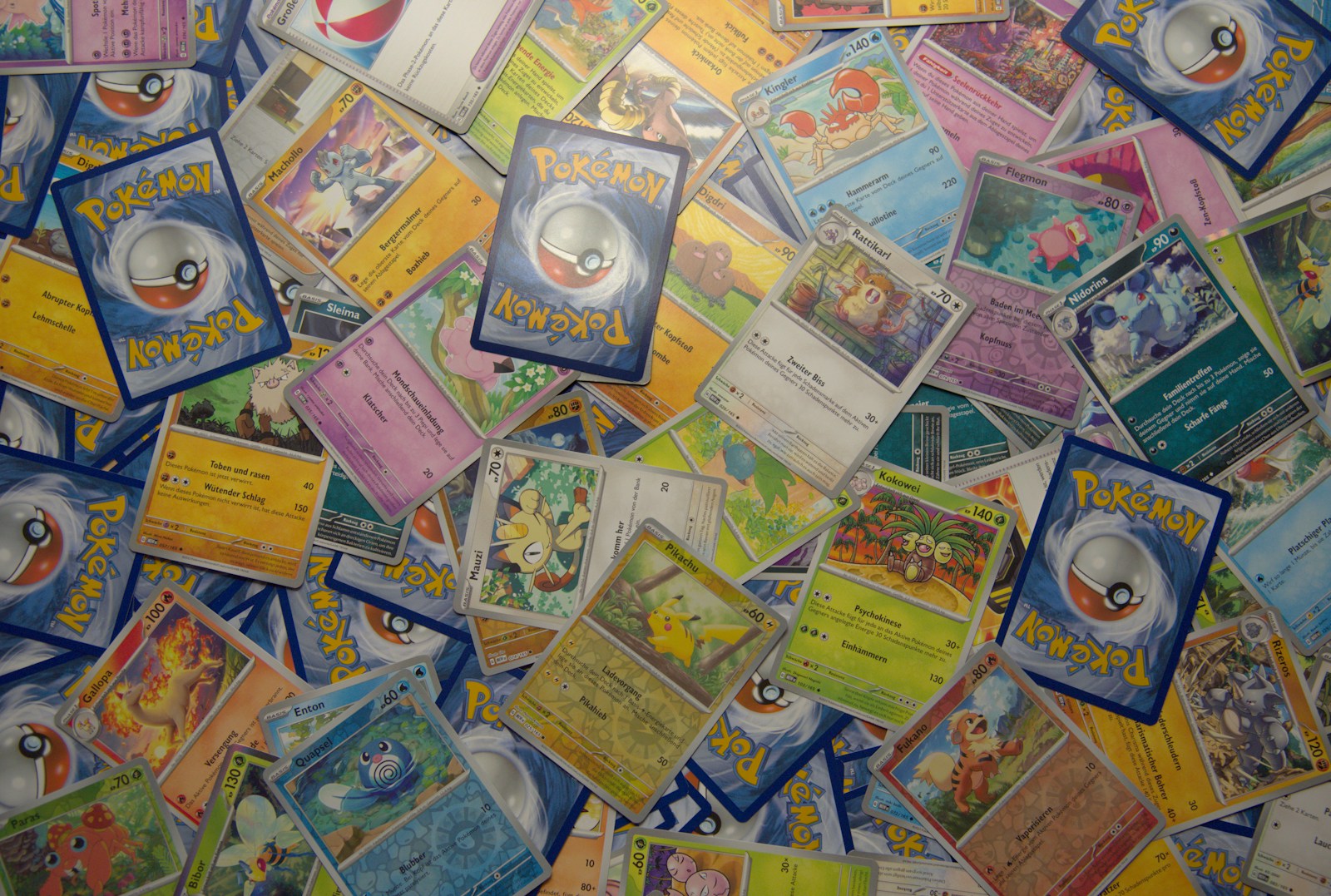
Selling starts before the listing page
A clean Pokemon card listing depends on the work you do before you upload photos. You need the exact card, variant, condition, price logic, fees, shipping plan, and inventory update. If any of those are fuzzy, the sale can become slower or riskier.
A scan-to-sell workflow turns a card from inventory into a listing without losing context.
Scan for exact identity
Start by identifying the card accurately. Confirm name, set, collector number, language, variant, and whether the card is raw or graded. Similar artwork, reverse holo variants, promos, and reprints can create bad listings if you rush.
Use a Pokemon card scanner to speed up identity, then manually confirm the details on higher-value cards. The set symbols and numbers guide is useful when variants are close.
Add condition notes before photos
Inspect the card under good light and note visible issues:
- Whitening
- Surface scratches
- Dents
- Creases
- Print lines
- Edge wear
- Centering
- Foil curl
These notes guide your photos and listing copy. The condition guide and condition photo log guide keep the review consistent.
Photograph for buyers, not for aesthetics
Good listing photos show the card honestly. Take a clear front, clear back, angled surface shot for foil or scratches, and close-ups of any flaw that affects value. For graded cards, include the slab front, back, cert number area, and corners.
The selling photo guide covers framing and lighting in more detail.
Price after condition is known
Once condition is documented, compare sold comps that match the card as closely as possible. Adjust for language, grade, raw condition, variant, shipping, and seller fees.
Use the seller fee calculator guide and listing comparison guide so the net price is realistic.
Write listing copy that reduces disputes
A useful listing includes exact card identity, condition summary, important flaws, what is included, shipping method, and whether photos show the actual card. Avoid vague claims like pack fresh if the card has visible wear.
Clear copy may reduce clicks from bargain hunters, but it attracts better buyers and protects you if a condition question comes up later.
Pack before marking sold
Decide how the card will ship before the sale goes live. Sleeve, top loader or semi-rigid holder, team bag, cardboard support, bubble mailer, tracking, and insurance should match the value of the card.
The shipping guide helps avoid preventable damage after the sale.
Update inventory after the listing moves
When the card sells, remove it from active inventory, record sale path, gross price, fees, shipping, net proceeds, and date. If you listed the card but it has not sold yet, mark it as listed so you do not trade or list it twice.
A Pokemon card collection app can keep scanned identity, condition, listing status, and sale history in one place.
The simple rule
A Pokemon card scan-to-sell workflow should confirm identity, document condition, photograph honestly, price against matching comps, pack safely, and update inventory when the card leaves. The cleaner the workflow, the fewer selling mistakes you carry into the next listing.